1. Start from the current document
Use the form your crew recognizes. Upload the document or use a photo of the paper version as the starting point.
Photograph a paper form or upload an existing document. Strawboss helps turn it into a mobile form you can review, adjust, and publish to your crew, without rebuilding the whole safety program.
The recorded product demo on the homepage starts with a handwritten FLHA and produces a live mobile form. A second demo shows an existing document being used to build a fillable form. These are practical starting points for crews that still rely on paper, PDFs, and manual re-entry.
Watch the recorded product demos →
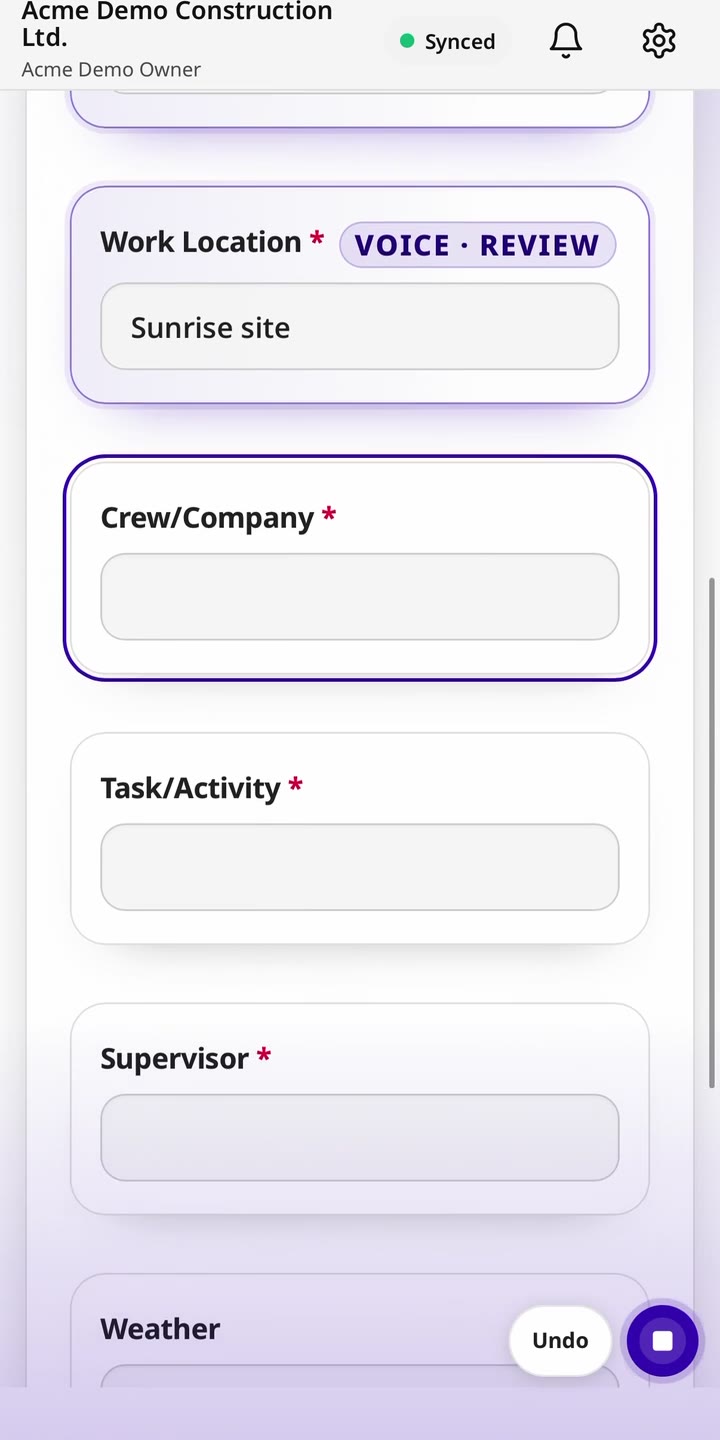
Use the form your crew recognizes. Upload the document or use a photo of the paper version as the starting point.
Check that questions, answer types, and instructions match the intended workflow. Adjust the form in plain English before publishing.
Send the reviewed form to the field. Workers can use Voice Fill in supported forms rather than typing every answer.
Use completed responses as the starting point for office review. Test the record, follow-up, and export needs of your own workflow before wider rollout.
Yes. The recorded demos show a handwritten FLHA and an existing document being turned into mobile forms. Review and adjust the output before publishing.
Voice Fill is available in supported field forms. Test it with your questions and the conditions your crew works in.
A digital form improves capture, but the program also needs review, follow-up, training, and responsible decisions. Test how the completed records support those needs.
FLHA and JHA software, Safety inspection software, Near-miss reporting, Corrective action tracking.
Review the field experience, source records, and output with the people who will use them. See current pricing and trial details, or review the published security controls.
Start with a paper form or an existing document and test how it works as a mobile form.